

Paying for parking in Dubai is refreshingly straightforward. Forget scrambling for coins; the city offers a whole range of payment methods, from the feature-packed RTA Dubai Drive app to a simple text message with mParking. You can use your phone, your Nol card, or even good old-fashioned coins, so there's always a convenient option at hand.
Your Quick Guide to Dubai Parking Payments
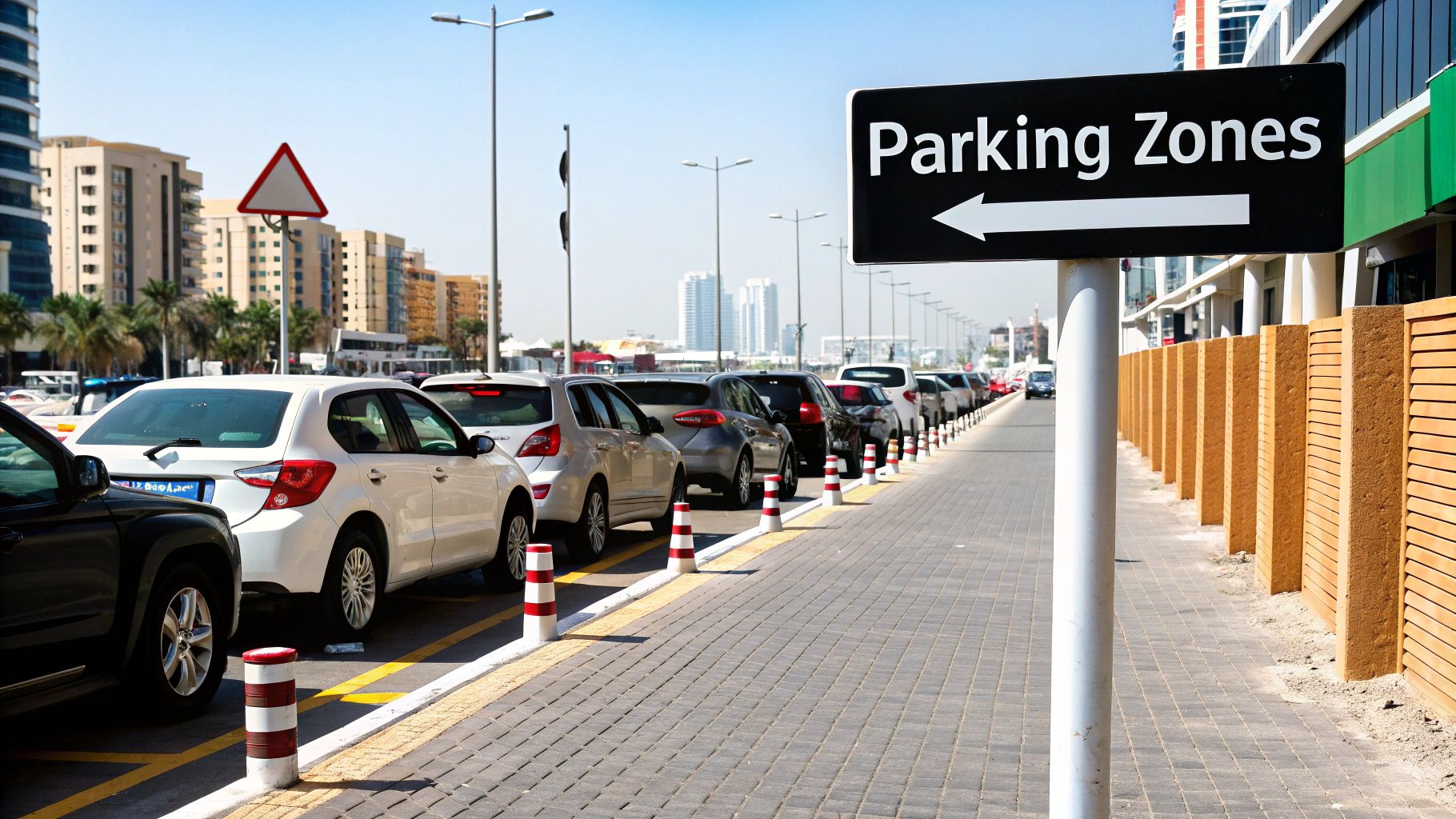
Figuring out Dubai's parking system is easy once you know your options. The city has moved well beyond just coin-operated meters, now providing a suite of modern solutions designed to make your life easier. Whether you're a resident zipping around for errands or a visitor soaking up the sights, you'll find a payment method that fits perfectly.
This guide will break down every way you can handle parking fees, from the slickest high-tech apps to the classic, reliable machines. Our goal is to cut through any confusion and give you clear, actionable advice.
Understanding Your Options
Choosing the right payment method really depends on your situation. If you're in a rush, SMS mParking is incredibly fast. On the other hand, if you're settling in for a while and think you might need to top up your time remotely, the RTA app is an absolute lifesaver.
We'll be diving deep into these key payment methods:
- Mobile Apps: For full control and features, nothing beats dedicated apps like RTA Dubai Drive.
- SMS mParking: The go-to for a quick, app-free payment using just a text message.
- Payment Machines: The traditional route using coins, Nol cards, or even bank cards at newer machines.
- WhatsApp & Web: Newer, innovative channels for even more convenience.
By getting familiar with these choices, you can park with confidence anywhere in the city, dodging unnecessary stress and potential fines.
For more insights on making your drive around the city smoother, you can explore the other helpful articles on our https://www.uptowndxb.com/blog/.
Using the RTA Dubai Drive App for Seamless Parking
If you're like me and prefer to manage everything from your smartphone, the RTA Dubai Drive app is an absolute game-changer for parking in the city. It takes the often-frantic task of finding a machine and paying for parking and turns it into a smooth, simple process. This official app puts you in complete control, meaning you can forget about hunting for loose change.
Getting started is straightforward. First, you'll need to download the app from your phone's app store—it’s available for both iOS and Android. Once it’s installed, create an account and add your vehicle details, including your licence plate number.
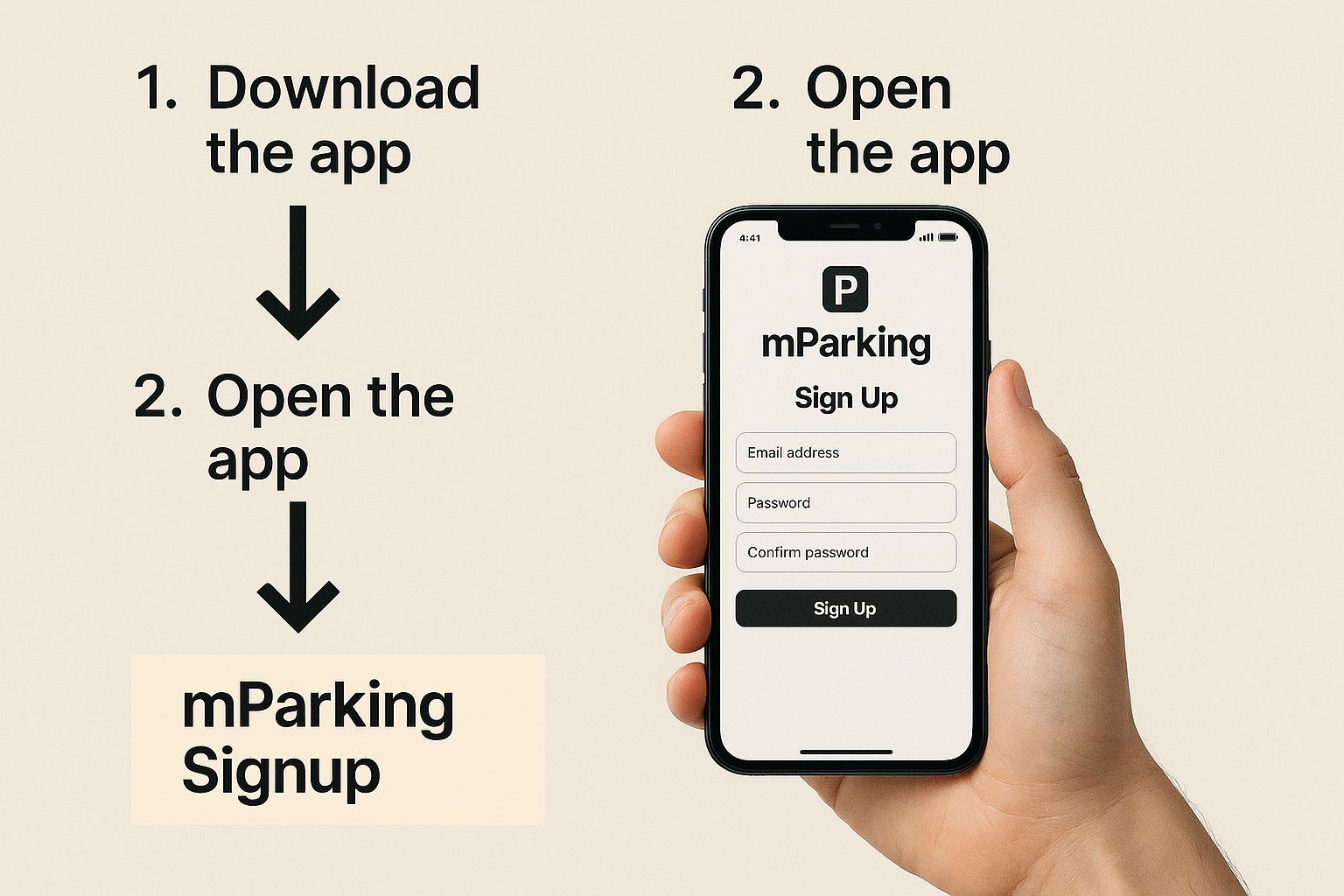
Paying with the App Wallet
The app's most useful feature is its digital wallet. You simply top it up using a credit or debit card, creating a dedicated balance just for your parking fees. When you find a spot, just open the app, let it confirm your location on the map, select your vehicle, and pick how long you need to park. The cost is instantly taken from your wallet balance. Easy.
One of the biggest wins of using the app is getting alerts right before your parking session is about to expire. This little nudge gives you the chance to extend your time from wherever you are, which is a lifesaver for avoiding fines.
Picture this: you're in a meeting that's running late. Instead of having to excuse yourself and sprint back to your car, you can just pull out your phone, open the app, and add another hour with a couple of taps. It's this kind of real-world convenience that makes the RTA Dubai Drive app a must-have for residents and regular visitors.
The app is essentially a one-stop shop for all your RTA needs, making it an indispensable tool for any driver in Dubai.
Paying for Parking Instantly with SMS mParking
When you’re in a rush and can’t be bothered with apps or searching for a payment kiosk, Dubai’s SMS mParking is a lifesaver. It’s a beautifully simple system that lets you pay for parking with a quick text message, charging the fee straight to your mobile phone bill.
This is my go-to method for quick stops—think grabbing a coffee or popping into a shop. There’s no registration or app download needed. All you need is your phone and the parking zone details from the sign nearby. The whole thing is done in less than a minute.
Crafting the Perfect mParking SMS
The secret to making mParking work is getting the SMS format just right. It’s a specific sequence: your plate number (with no spaces), a space, the RTA Zone Code, another space, and then how many hours you need to park.
Here’s the simple formula to memorise: PlateNumber ZoneCode Duration
For instance, if your Dubai plate is A 12345, you’re in zone 365F, and you need one hour, your SMS should look exactly like this:
A12345 365F 1
Send that message to 7275 (PARK). In a few moments, a confirmation SMS will pop up on your phone, which serves as your digital parking ticket.
One thing I always tell people: double-check the RTA zone code on the orange parking sign. It’s so easy to type the wrong one, and even if you've paid, a simple mistake can lead to a fine.
Parking with a Non-Dubai Licence Plate
The mParking service is also built for cars registered outside of Dubai. If you’re driving in from another emirate, you just need to add a short prefix before your plate number in the SMS. It’s a seamless process.
Here’s how it works:
- Abu Dhabi Registered Car: A plate like AUH B 6789 becomes
AUHB6789 365F 1 - Sharjah Registered Car: A plate like SHJ 1 9876 becomes
SHJ19876 365F 1
The system is smart enough to recognise the prefix and process the payment correctly. Plus, you’ll get a helpful SMS reminder about 10 minutes before your parking expires. This gives you the option to simply reply with 'Y' to extend your session by another hour, making it an incredibly convenient way to manage parking on the move.
Going Old School: Using Parking Machines and Nol Cards
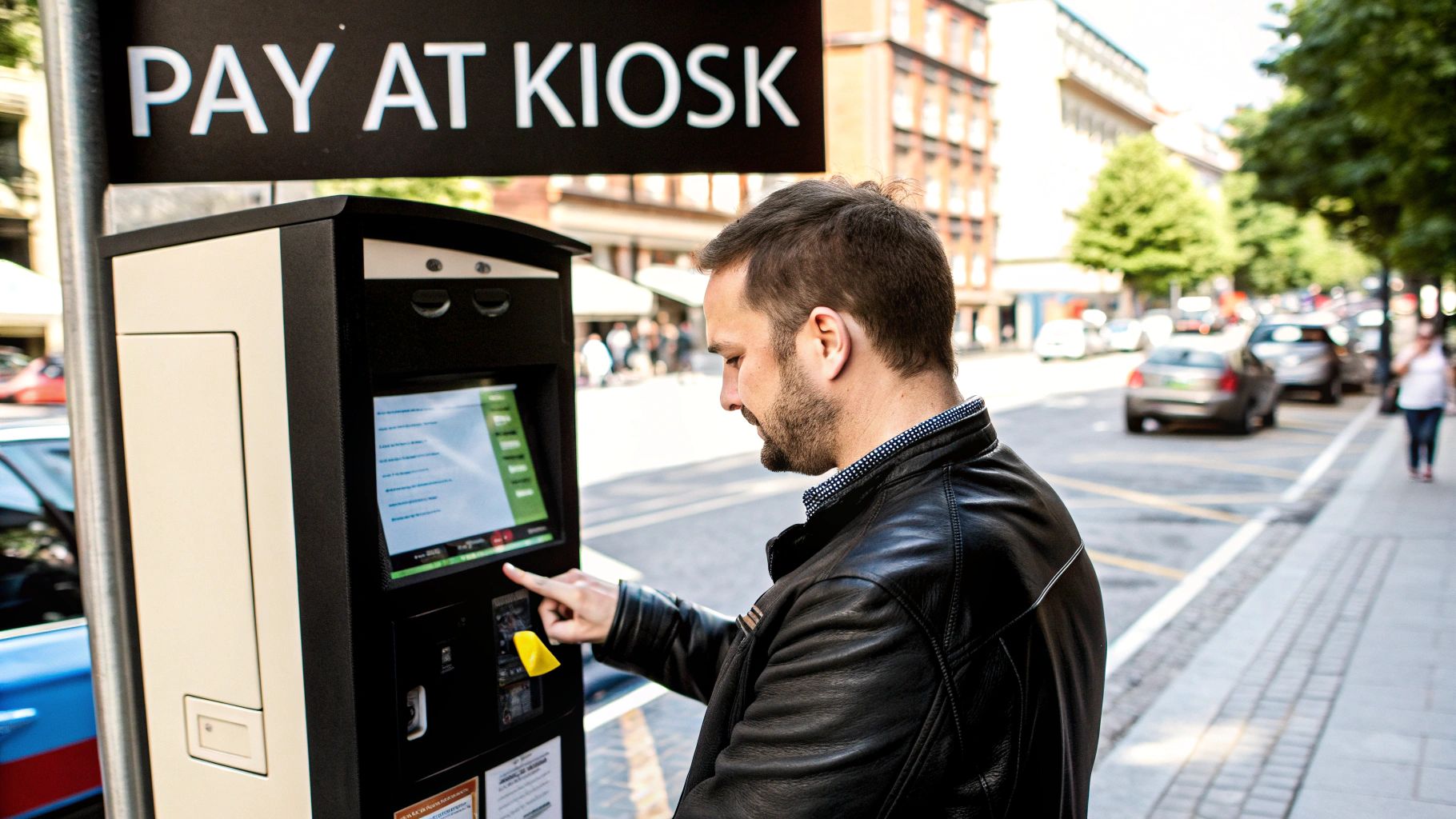
While the new digital options are fantastic, sometimes you just can't beat the classics. Dubai’s trusty parking machines are still everywhere, and honestly, they're foolproof. For visitors or anyone who just feels better with a physical ticket in hand, this is still a go-to method.
The great thing is that you're not stuck scrounging for coins anymore (though they still work!). Most machines are kitted out to accept credit/debit cards, and even better, your Nol card. Yep, the same card you use for the Metro and buses makes parking a breeze.
Paying at the Kiosk
Using your Nol card is easily the slickest way to pay. Just walk up to the nearest machine, punch in how long you need to park, and tap your card on the reader. The cost comes right off your balance, and you're done.
No matter how you pay—coin, card, or Nol—the final step is always the same: the machine will spit out a paper ticket. This is where you need to pay attention.
- Grab the ticket as it comes out.
- Give it a quick glance to check the expiry time.
- Pop it on your dashboard, passenger side up, where it can be easily seen.
I’ve seen it happen countless times: someone pays for parking but gets a fine because the ticket fell on the floor or flipped upside down. Always take a second to double-check that it’s clearly visible through the windscreen before you walk away.
It's also worth remembering that the RTA uses a variable pricing system to keep parking spots turning over. This means you’ll pay different rates during peak hours (8:00 AM to 10:00 AM and 4:00 PM to 8:00 PM) versus off-peak times. The good news is that parking in most zones is still free on Sundays and public holidays. To get the full breakdown of current costs, check out this 2025 Dubai parking guide.
Beyond the App: Paying with WhatsApp and the Web
Sometimes, you just don't want to download another app. Dubai gets that, and the RTA has rolled out some seriously convenient alternatives like their WhatsApp chatbot for paying your parking fees right from a chat.
It’s a brilliant, straightforward system. Just save the official RTA chatbot number – that’s +971 58 8009090 – to your contacts. When you’re ready to park, send a message in the same format you’d use for mParking. It's simply your licence plate number, the parking zone code, and how long you need.
So, for a two-hour stay, you’d just send: A12345 365F 2. A moment later, you’ll get a confirmation message back. It’s that easy.
Using the RTA Website for Parking
If you're juggling a few family cars or need to track parking expenses for business, the RTA website is a fantastic tool. It’s perfect for anyone who prefers a bigger screen or needs more robust features than a quick text can offer. From your desktop, you can add multiple vehicles, pay for parking, and pull up your entire payment history in one organised place.
These web-based options give you real flexibility. You can sort out your parking from a laptop at the office or send a quick chat from your phone while running errands. It’s all about fitting into your day, not the other way around.
Having these modern payment channels is a huge help, especially as parking costs evolve. The recent variable pricing structure has seen daily rates in some zones increase from Dh12 to Dh20, pushing monthly parking bills over Dh500 for some drivers. You can get more details on how people are navigating Dubai's new parking fees here.
And if you’re visiting the city, opting for an online car rental in Dubai is the best way to get on the road and take full advantage of these hassle-free payment systems.
Common Parking Mistakes and How to Avoid Fines
Knowing the different ways to pay for parking in Dubai is half the battle. The other half? Sidestepping the simple, easy-to-make mistakes that can land you a fine. It happens to the best of us—you get caught up in a meeting and your session expires by just a few minutes, or you accidentally fat-finger the zone code when paying by app or SMS.
Another classic slip-up involves the old-school paper ticket. It might sound trivial, but if that little piece of paper flips over or slides off the dashboard, you might as well have not paid at all. Always take a second to make sure it's clearly visible through the windscreen before you walk away.
Staying Ahead of Parking Violations
These small oversights can quickly turn into costly fines. In fact, during the second quarter of 2025, Dubai saw parking violations jump by 16%, with the most common culprits being failure to pay and expired tickets. You can read more about these parking trends on Gulf News.
To avoid becoming another statistic, it’s worth building a few simple habits into your parking routine:
- Set a Phone Alarm: This is a lifesaver. Just set a quick timer on your phone for five minutes before your parking is due to expire.
- Double-Check Your Details: Before you hit "confirm" on an app or send that SMS, give your plate number and the zone code a quick once-over. A typo can be costly.
- Know Your Zones: Keep an eye out for special zones. Parking in a spot reserved for people of determination or for specific commercial use will get you a fine, no questions asked.
At the end of the day, it's all about being mindful. A few extra seconds of checking your details can save you the headache and expense of a parking fine, making your drive in the city that much smoother.
Getting these little things right is a huge part of becoming a savvy driver here. For more great advice, have a look at our complete guide on Dubai driving tips to help you navigate the roads like a seasoned pro.
Your Top Dubai Parking Questions Answered
Even with all the different payment options, figuring out Dubai's parking system can throw up a few curveballs, especially if you're new to the city. We get these questions all the time, so here are some quick, straightforward answers to help you park like a pro.
What Happens if I Forget to Pay for My Parking Spot?
It happens to the best of us, but forgetting to pay will likely land you a fine from an RTA inspector. The penalty is typically AED 150. The best way to avoid this is to pay the moment you park. Use one of the apps or the mParking SMS service right away. A simple trick? Set a quick alarm on your phone for 5 minutes after you park—it’s a great little reminder to get the payment sorted.
Can I Pay for Parking If My Car Has a Foreign Number Plate?
Yes, absolutely. The system is designed to handle vehicles from outside Dubai. If you're using the SMS mParking service, you just need to pop the relevant country or emirate code before your plate number. For example, use 'SHJ' for a Sharjah plate or 'KSA' for a car from Saudi Arabia. The RTA Dubai Drive app is just as easy, letting you register and manage payments for non-Dubai vehicles without any fuss.
Extending your parking session works the same way for non-Dubai plates. Both the RTA app and mParking service are built to be simple and clear, no matter where your car is registered.
How Do I Extend My Parking Time Without Going Back to My Car?
This is where technology really helps. The easiest ways to add more time remotely are through the RTA Dubai Drive app or by simply replying to the reminder SMS from the mParking service. You'll get an alert before your time runs out, giving you the chance to top up from your meeting, the mall, or wherever you are. No more sprinting back to the car.
Is Parking Really Free in Dubai on Public Holidays?
For the most part, yes. On Sundays and official public holidays, public parking is free across most of the city. But—and this is a big one—this rule doesn't cover multi-level parking terminals. Always, always check the signage in the specific parking zone you're in. Some areas have their own unique regulations, and it's better to be safe than sorry.
To truly experience Dubai with the style and freedom it deserves, nothing beats getting behind the wheel of a luxury vehicle. Uptown Rent A Car provides an exclusive fleet to make every drive an event. Find your perfect ride and make your journey unforgettable.